Skip to content

Probe Cloud

Measured S-parameter data for your PCBite SQG probe. Every probe is measured individually during production verification, and its data is stored under its serial number. Enter the Probe ID to get the measured response of your probe.

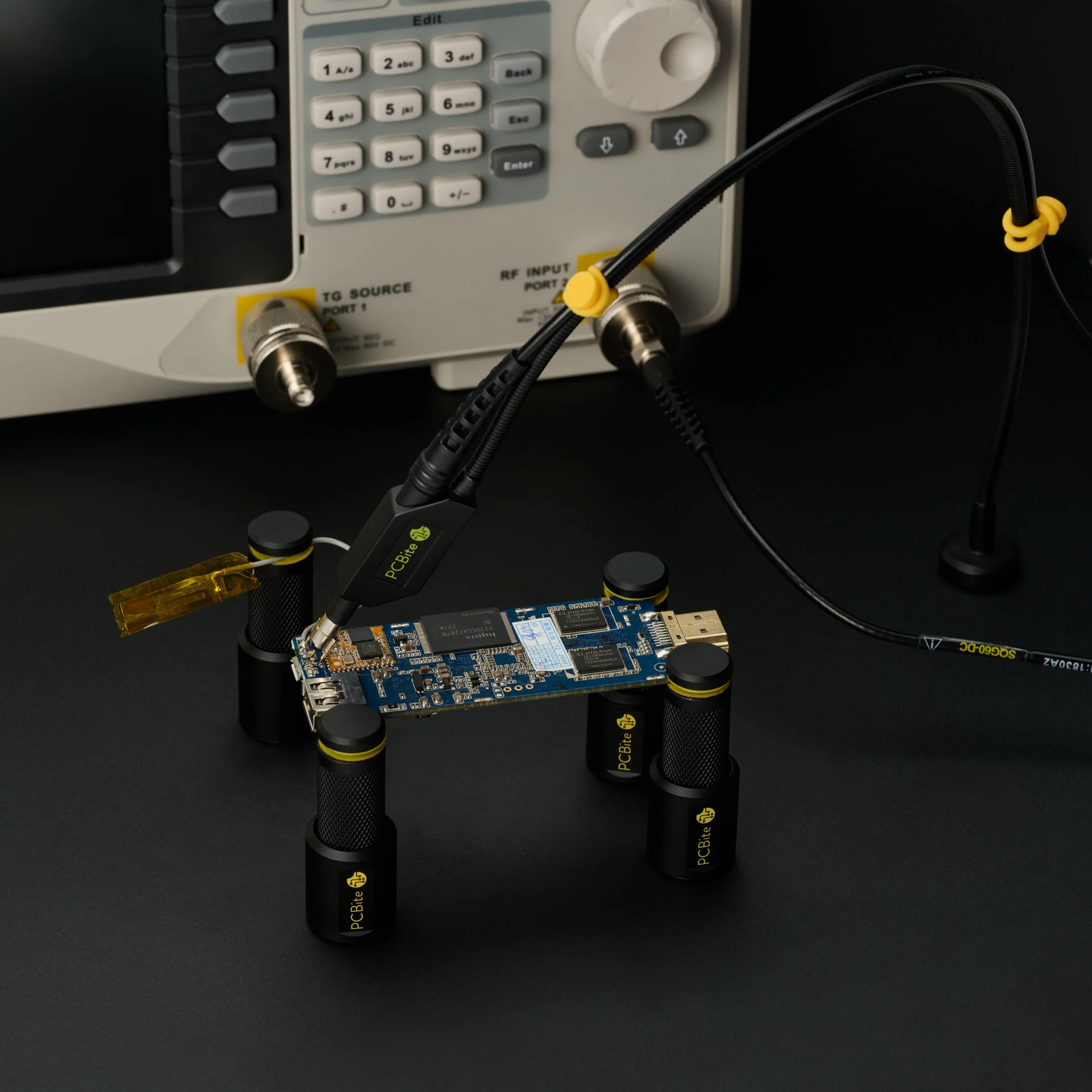
SQG probe on a PCB in PCBite holders, connected to an analyzer input, with the model and probe ID printed on its cable.
PROBE ID

Find the serial number.

The Probe ID is printed on the probe cable and on the label of the box the probe came in. Enter it in Probe Cloud to open the data measured on that specific probe.
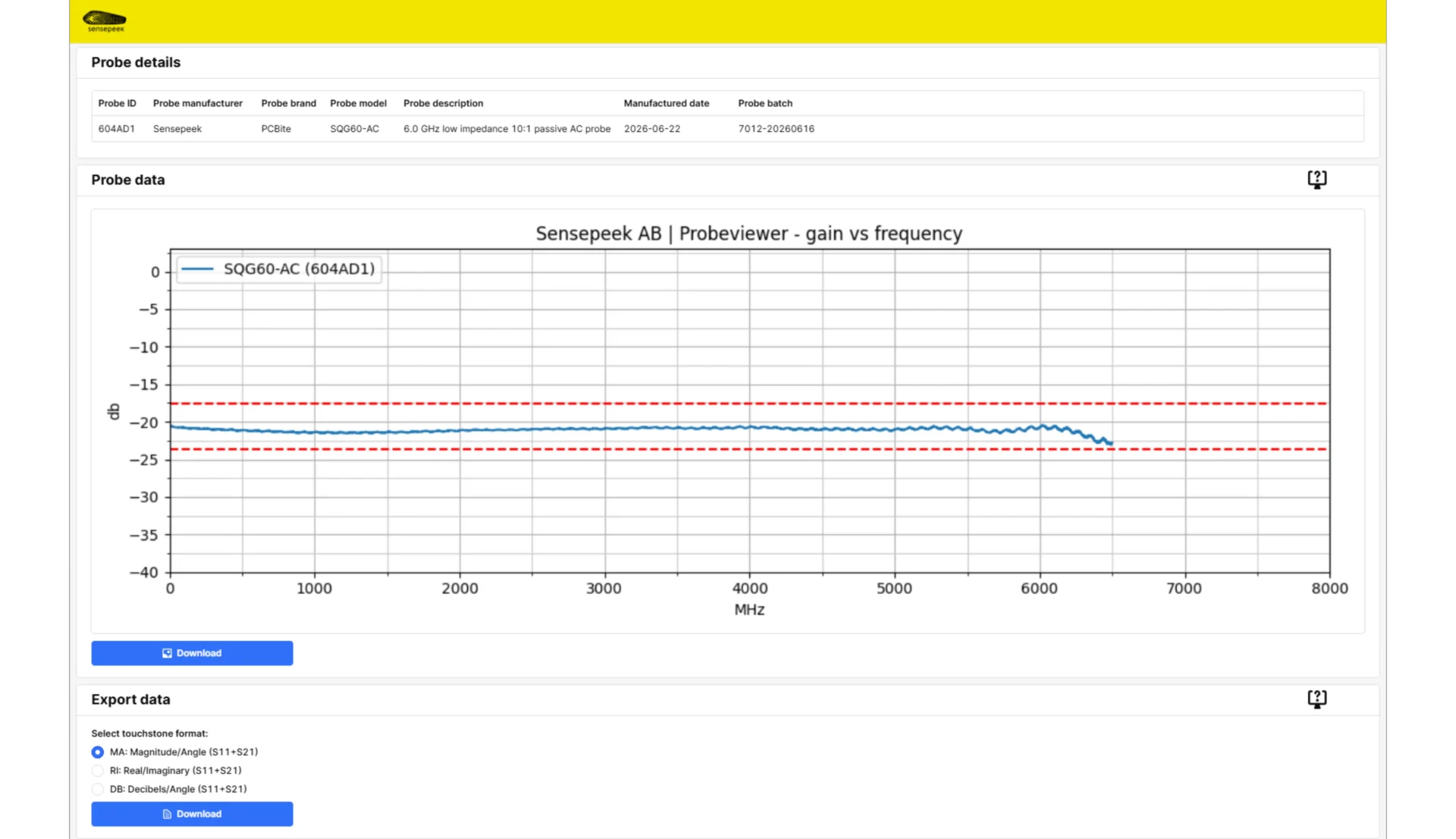
Probe Cloud page for one SQG60-AC probe, with its measured gain flat near -20 dB up to about 6.5 GHz and S-parameter export.
S-PARAMETER DATA

The measured response of your probe.

Each dataset belongs to one serial number and shows how that probe itself was measured, not a typical curve for the model. Use it to analyse the probe’s frequency response, or to account for its influence when you apply corrections in compatible measurement or analysis software.

Du använder en föråldrad webbläsare. Alla funktioner fungerar inte i din webbläsare. Var vänlig uppgradera din webbläsare för att förbättra din upplevelse och öka din säkerhet.