PCBITE-4017
Insulation cover large (A4)
8 €
In stock
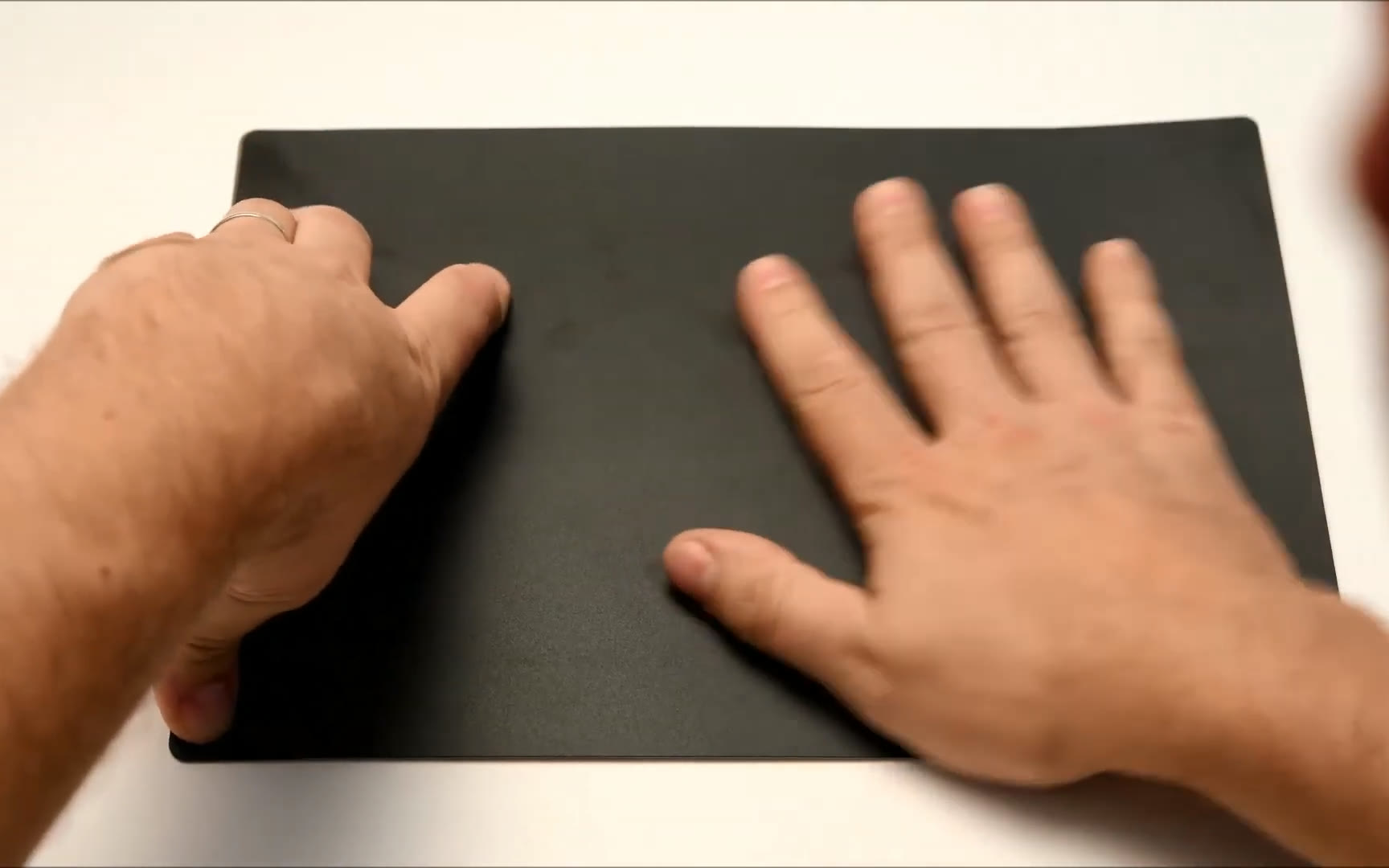
Insulate a base plate in a minute
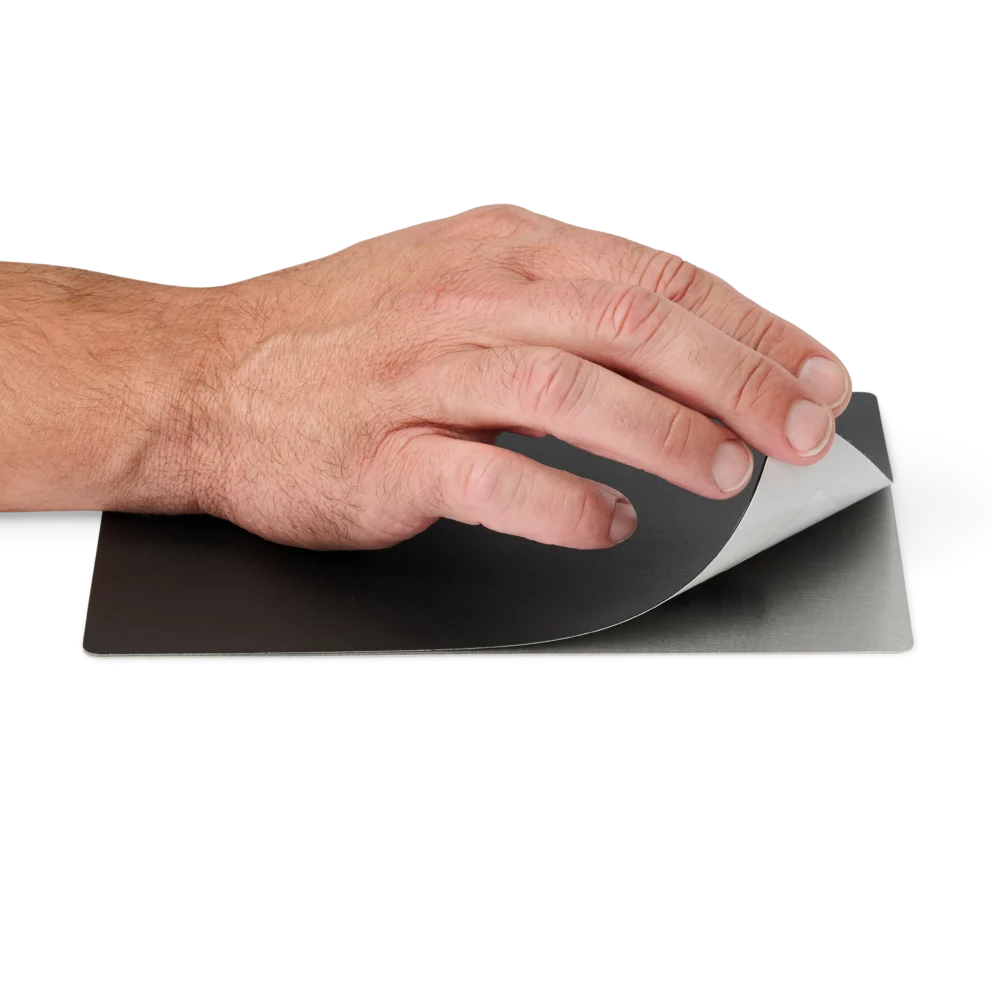
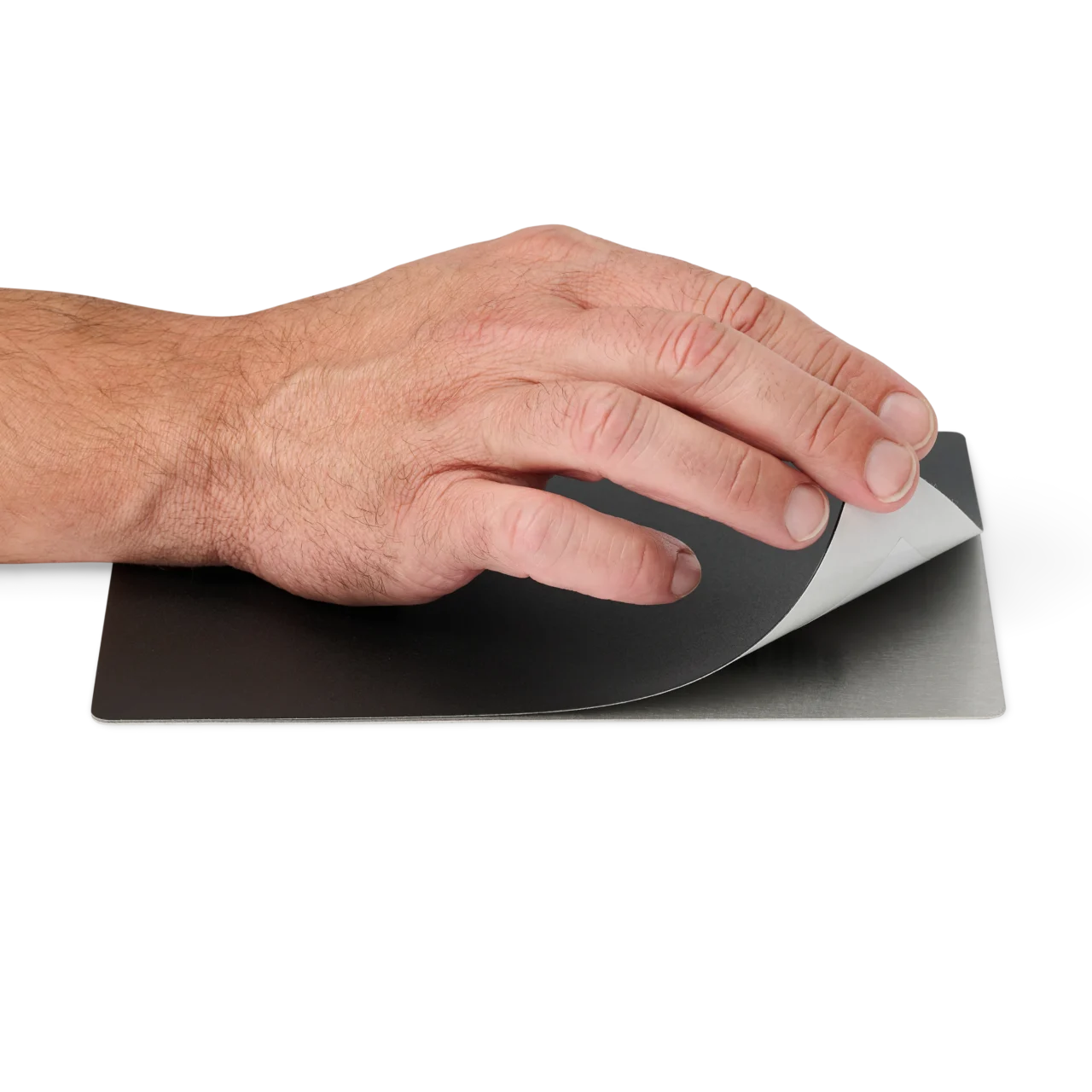
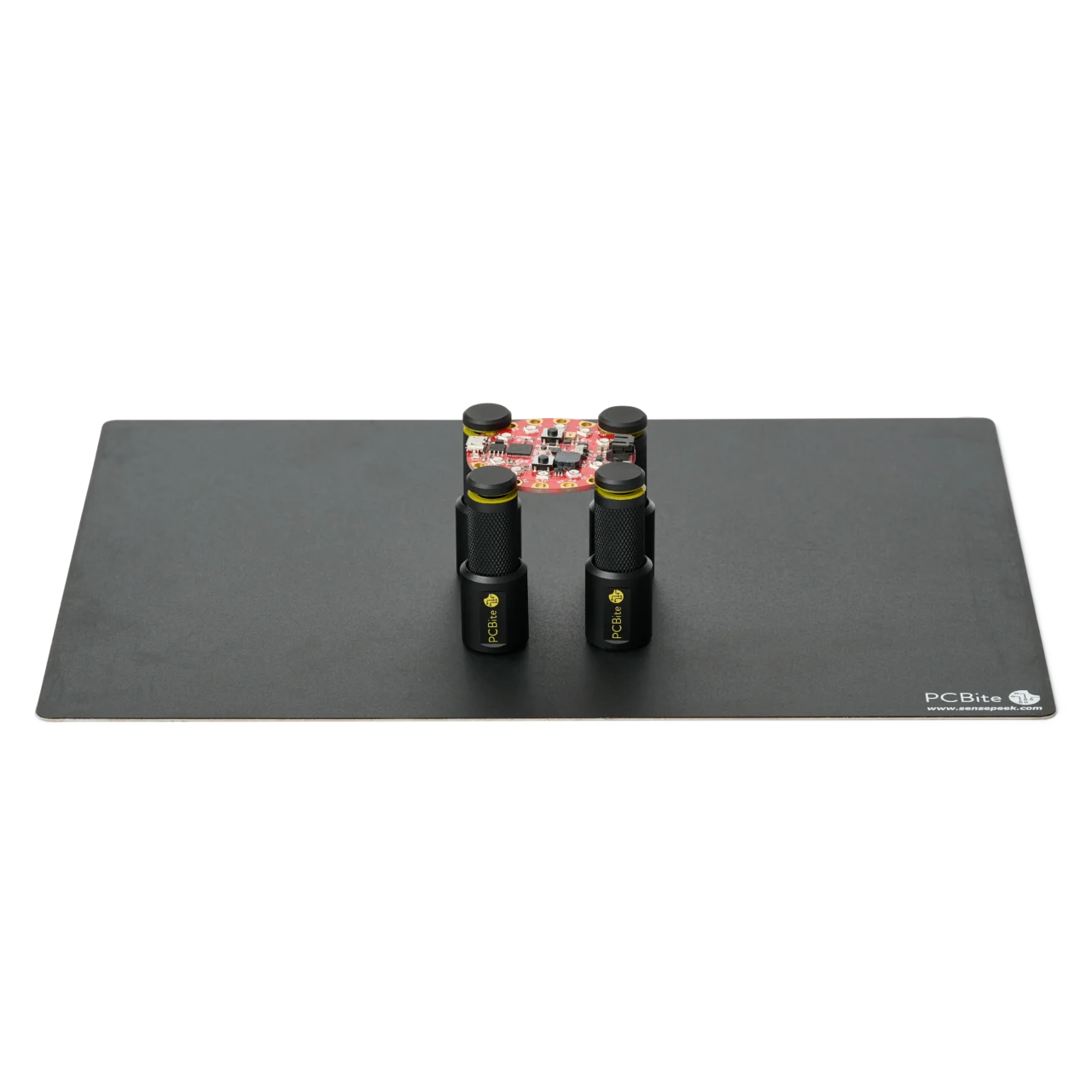
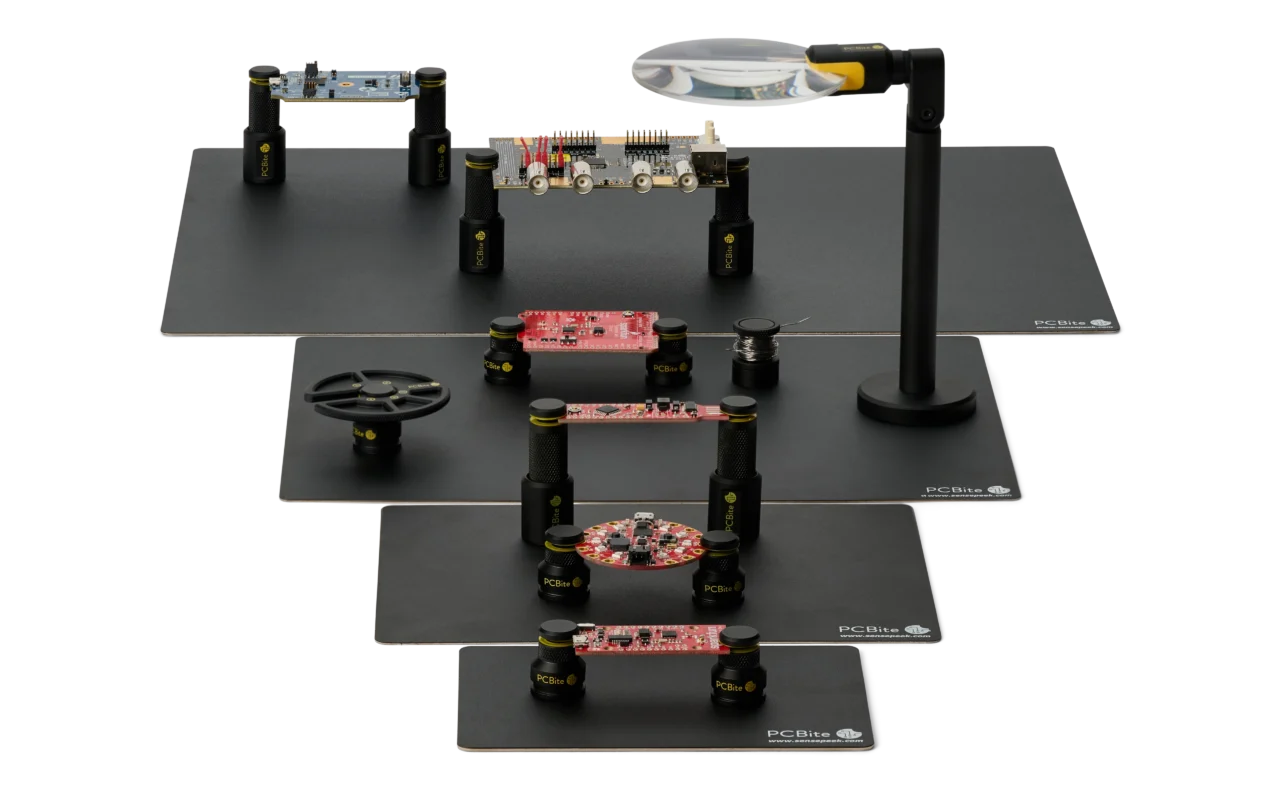
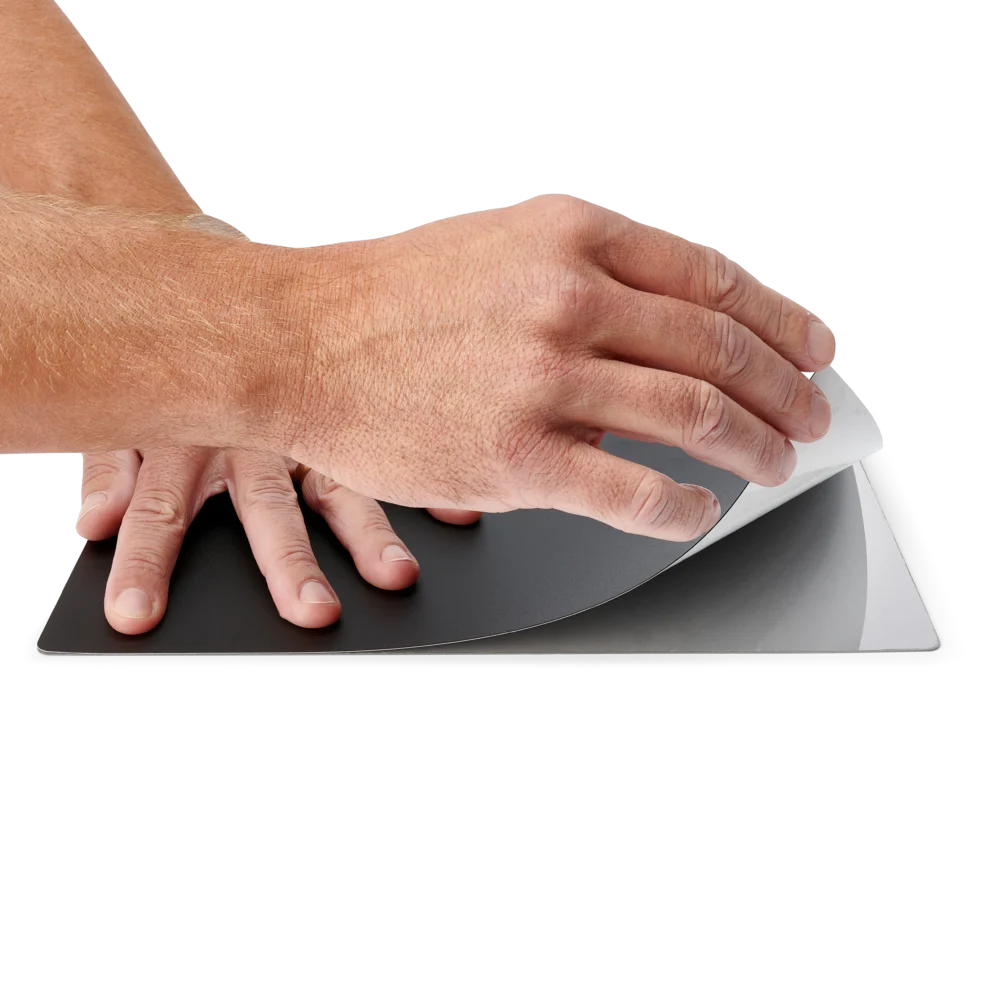
The PCBite insulation cover is a 1 mm polycarbonate sheet that keeps a powered PCB from shorting against the metal base plate, and its anti-reflective finish reduces glare under the microscope. Current PCBite base plates come with the cover fitted. For an earlier plate, or to replace a worn cover, it attaches with a strong adhesive.
Fit the cover
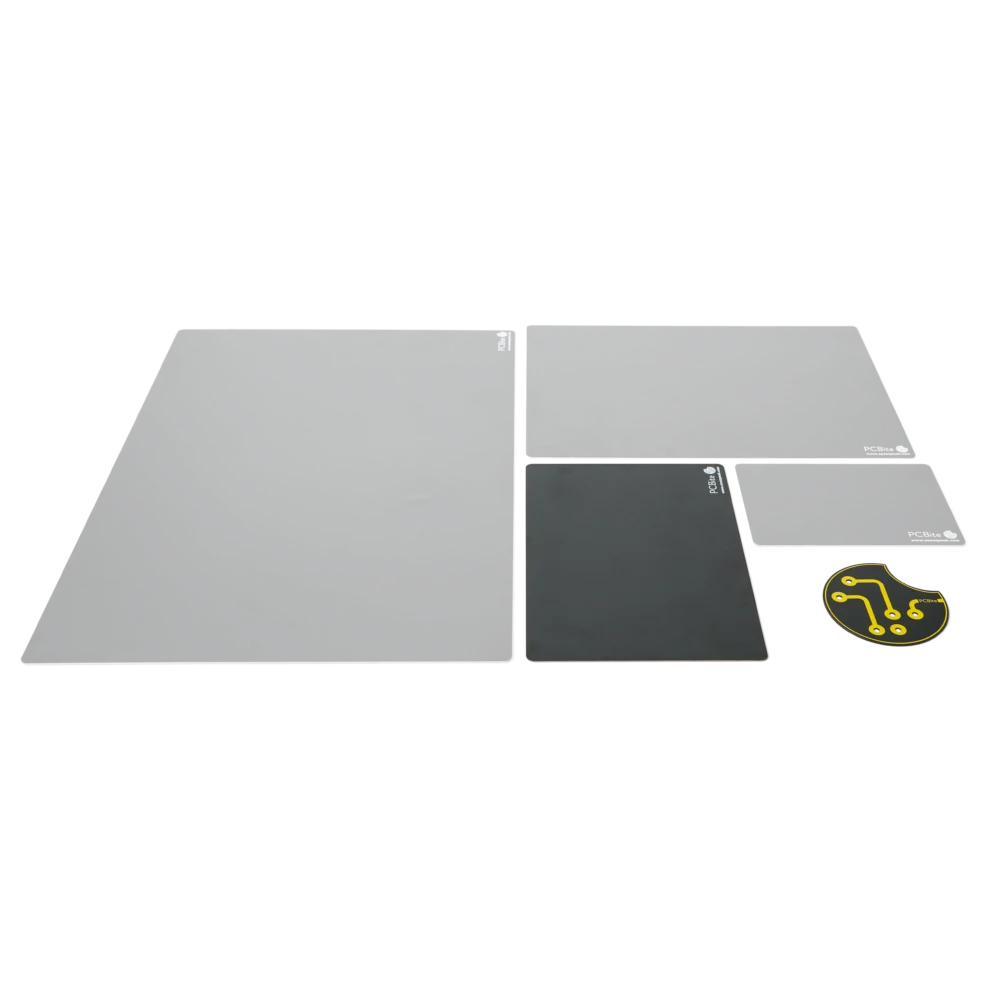
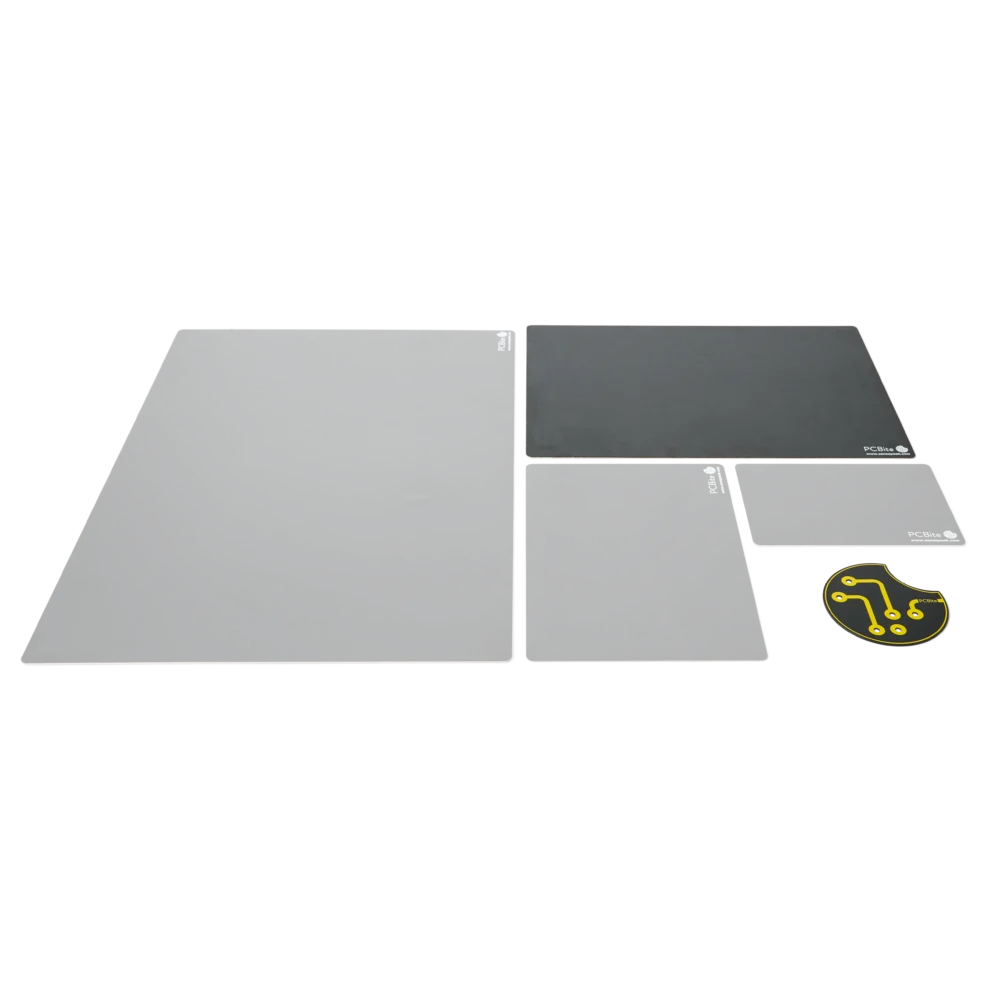
The insulation cover large (A4) fits the PCBite L base plate, and the insulation cover small (A5) fits the S base plate.
Du använder en föråldrad webbläsare. Alla funktioner fungerar inte i din webbläsare. Var vänlig uppgradera din webbläsare för att förbättra din upplevelse och öka din säkerhet.