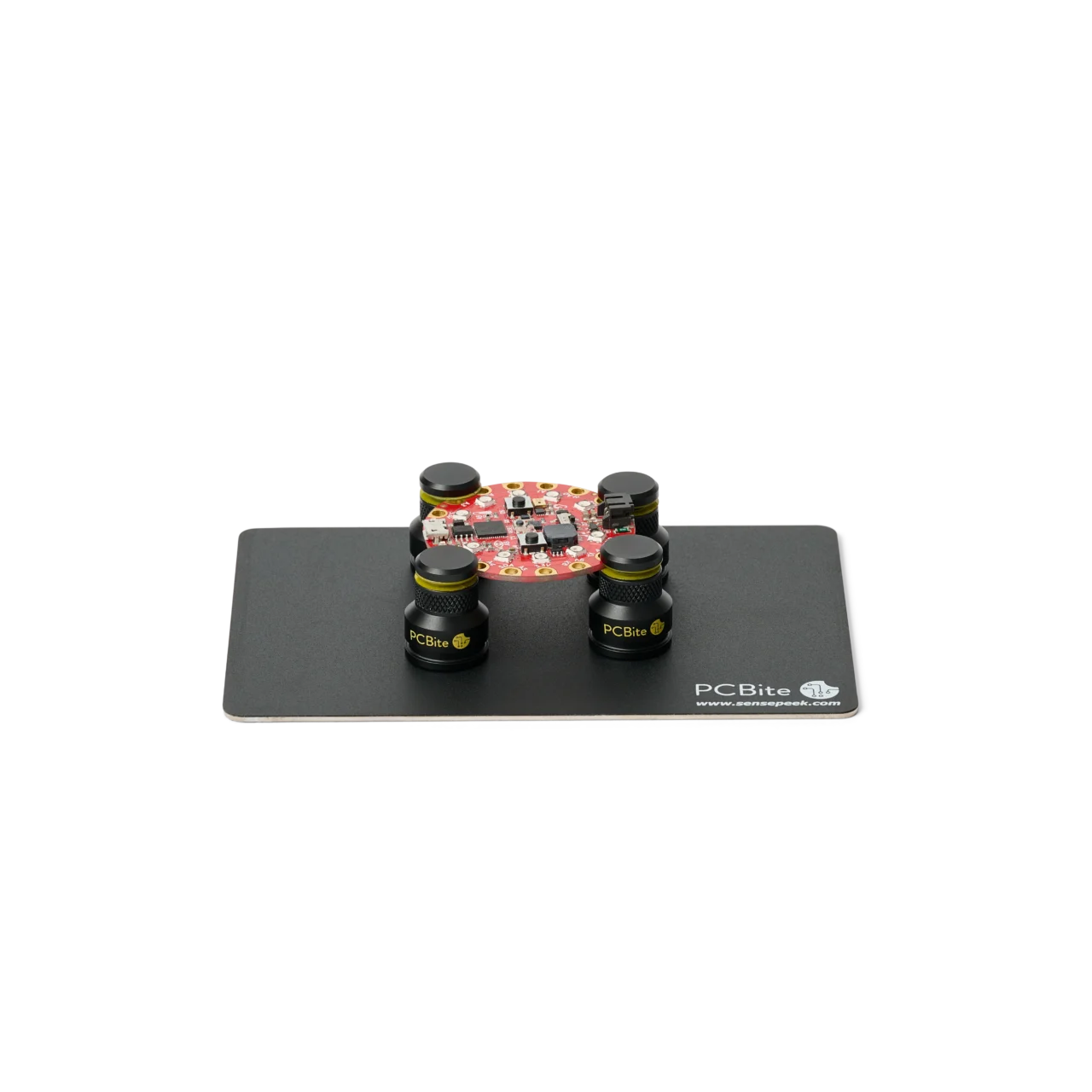
PCBITE-4004
Wear and tear – PCBite holder
7 €
Out of stock
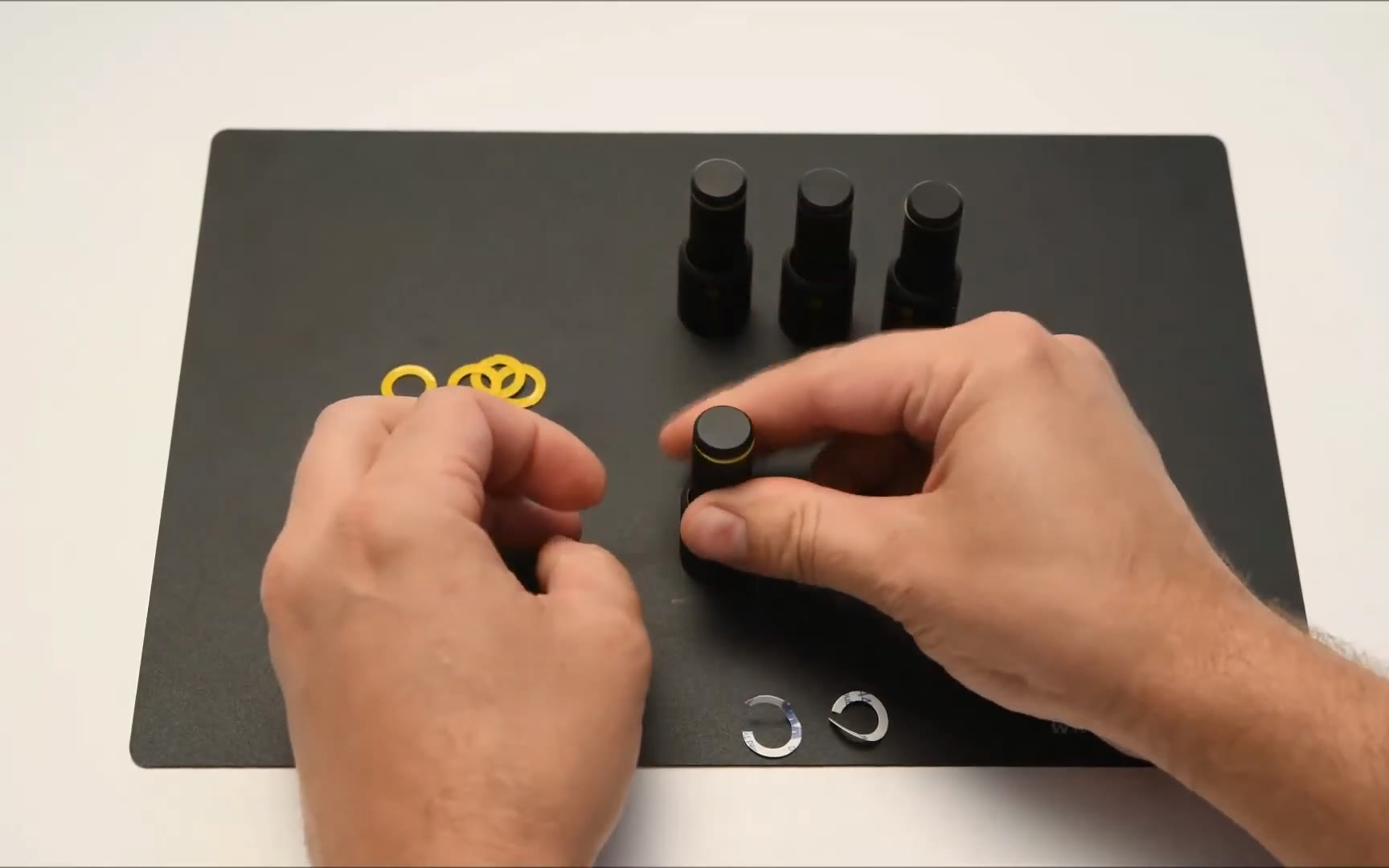
On new holders, and when a washer is worn
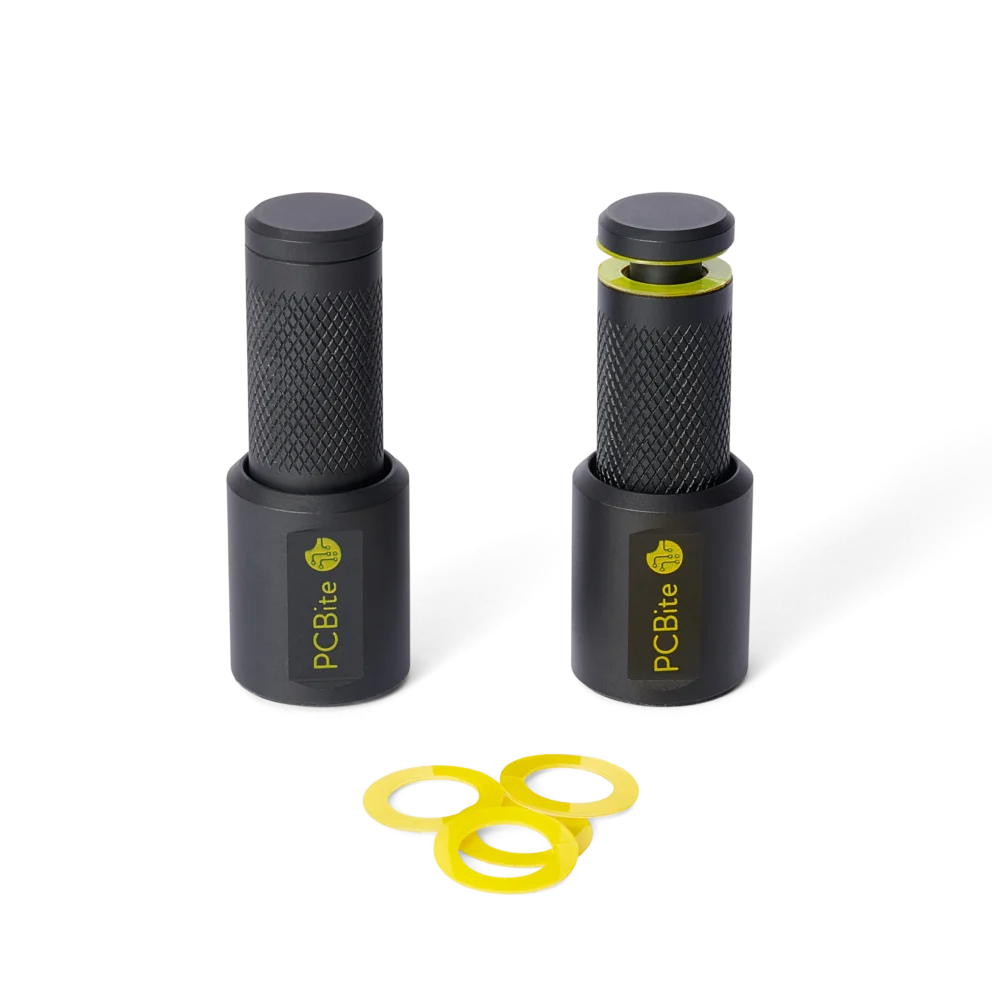
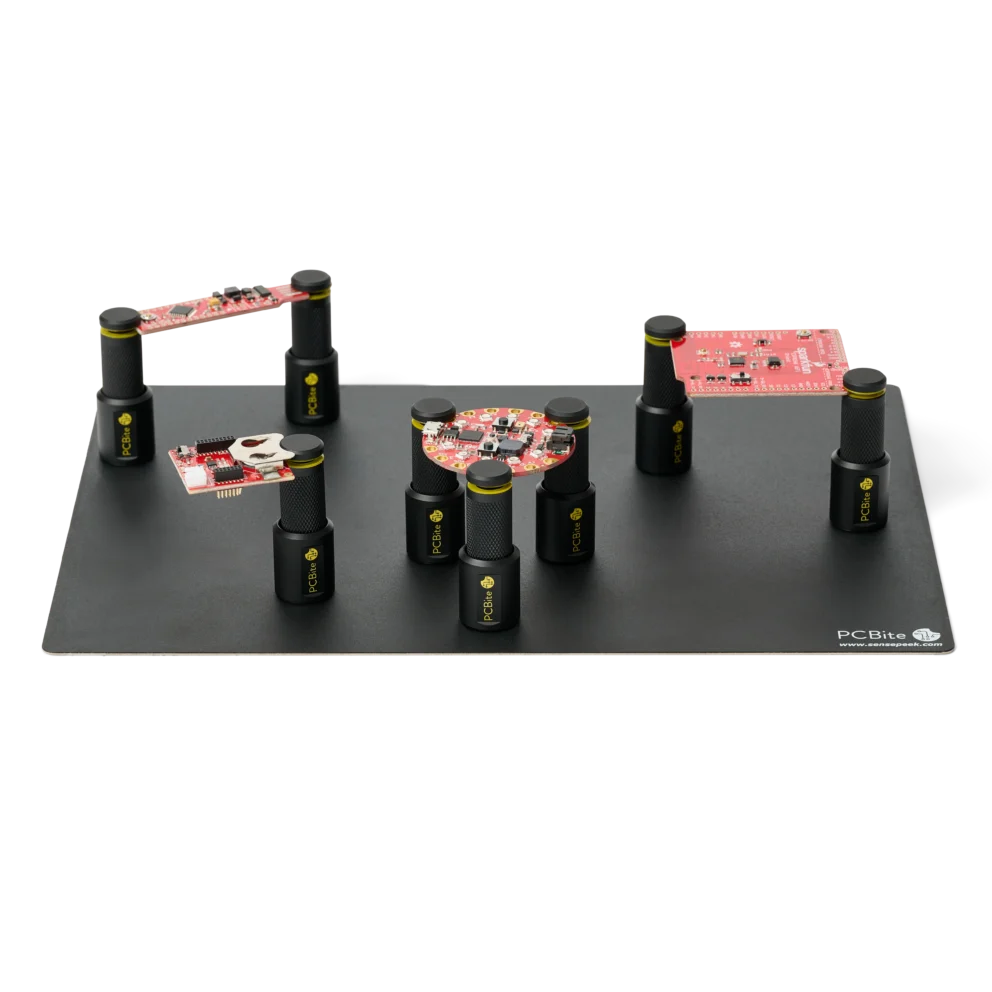
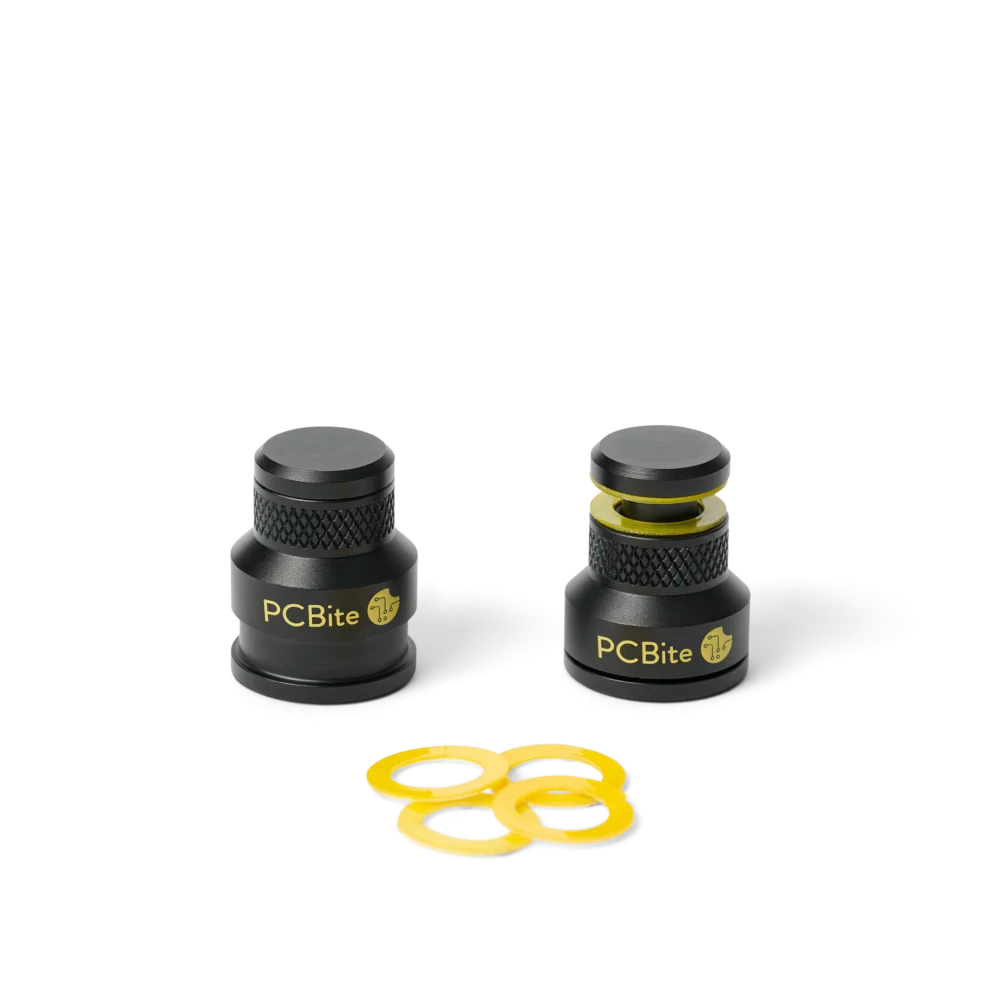
The yellow insulation washers on a PCBite holder separate the metal holder from the traces on your board, so a powered PCB can be held safely. The washers come unmounted, so you fit them yourself on new holders, and the same steps replace a washer that is worn or lost. The video shows how.
Mount an insulation washer
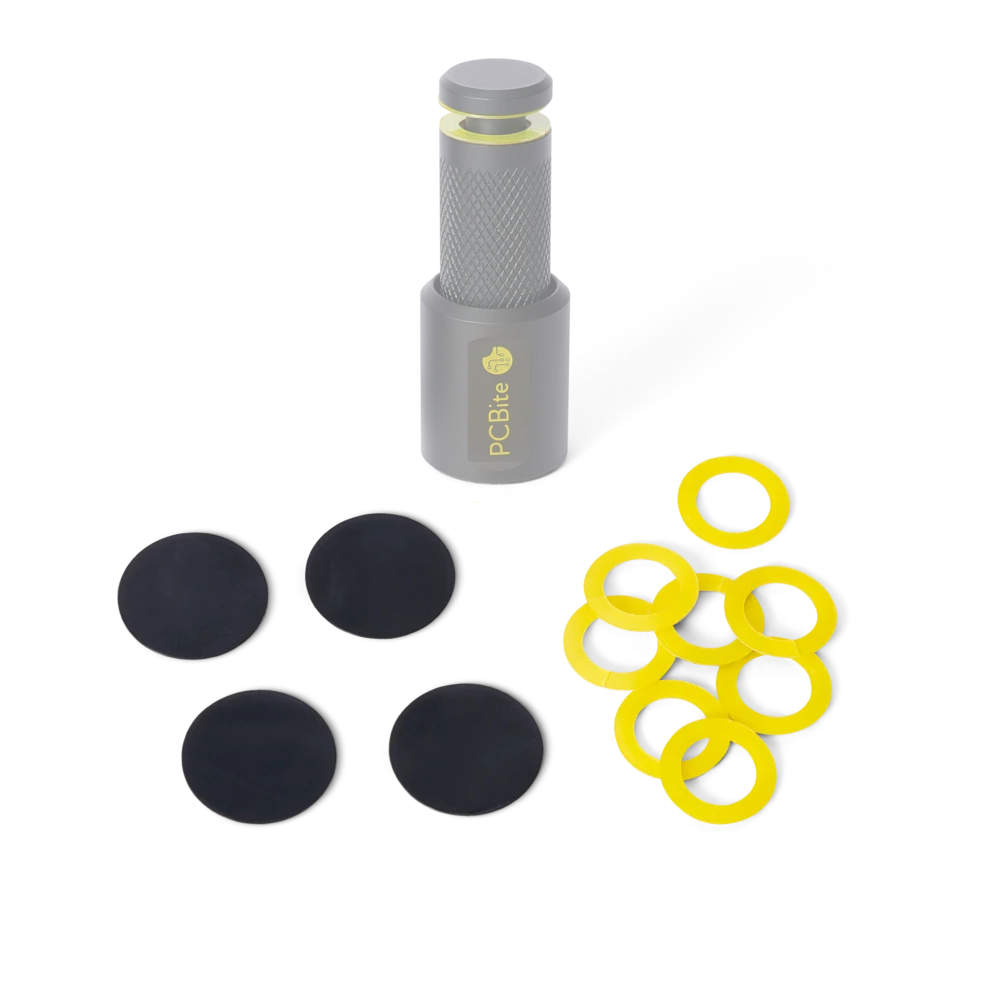
Spare washers come in the wear and tear set: eight insulation washers, together with four bottom caps, the low-friction pads under the magnetic base that let a holder slide on the base plate.
Du använder en föråldrad webbläsare. Alla funktioner fungerar inte i din webbläsare. Var vänlig uppgradera din webbläsare för att förbättra din upplevelse och öka din säkerhet.